
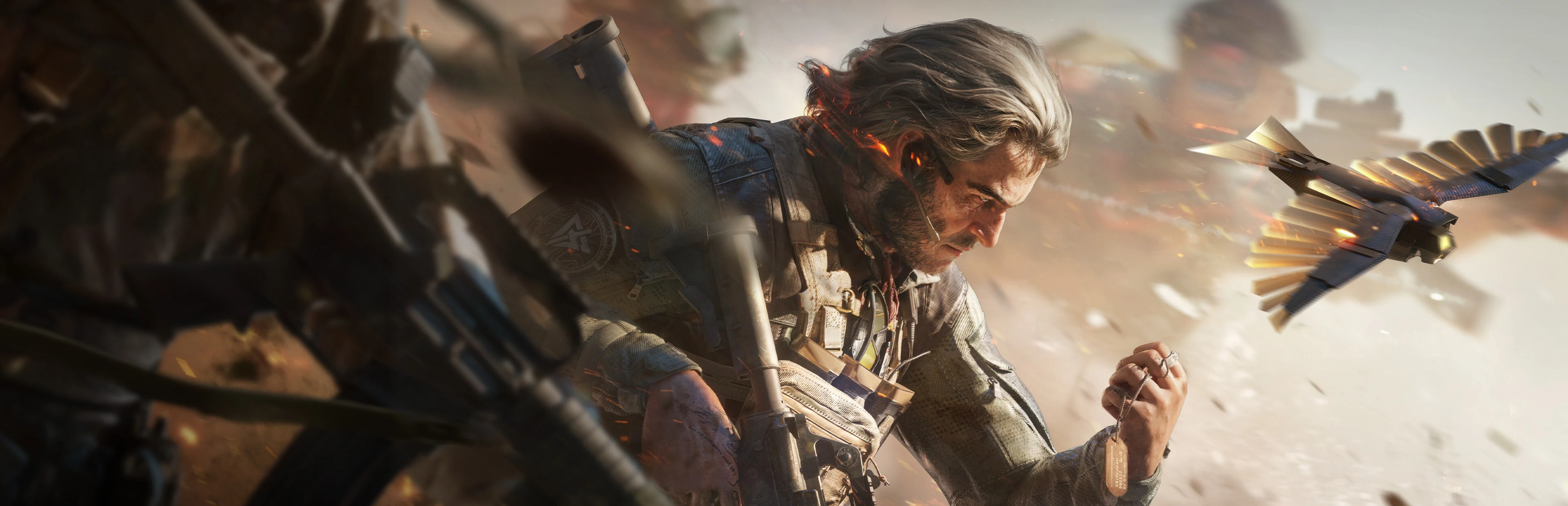
About Delta Force
Pick Warfare if you want reps at shooting with a squad. Pick Operations if you want the version where you plan an exit before you plan a fight, and where running out of time costs you the loot.
Warfare is the team fight
Warfare is the mode to learn on. The publisher's own store description puts 64 players into combined-arms battles with vehicles, and your squad slots into the larger team rather than fighting alone. Objectives are sectors to capture and hold, and how you get there is up to you, so a squad that watches the active objective and picks cover together will out-perform one chasing distant gunfire. Sector layouts differ, so read the objective icons rather than assuming two capture points.
Auxiliary objectives sit beside the main fight rather than inside it. Taking and holding one for a full minute gives your side a redeployment point, but it does not count toward capturing the sector, so it is worth doing only when it helps the approach you were already making. Every Operator can also use Drag Rescue to move a downed teammate into cover, and the class you bring shapes the job you can do best: faster aim movement for the assault push, faster rescues for support, a welding tool for repairs, or enemy information shared before the squad commits.
Operations is the one with stakes
Standard Operations sends a small squad onto a map to collect supplies and leave within the match time. Other Operator squads, mercenaries and bosses are all on the map, and your deployed kit is at risk, which changes how an ordinary firefight feels. Enter with something you can replace, agree with the squad on the one task that ends the run, and open the map early enough to pick an exit and read its conditions.
Extraction is where the mode earns its name. Some exits only appear under certain conditions, some need a specific item, a weight limit or your backpack surrendered, and lever exits require you to reach the linked zone during its window rather than simply pulling the switch. A marker on the map is not a successful escape, and an alternate route is not automatically safe. The Safe Box protects eligible valuable items if you die, but it does not insure your ordinary equipment, and some items are excluded from it entirely.
Preparation is the difference between modes
Operations runs on loadout discipline. Your loadout is what you carry in; stash storage is what you keep. A Gear Ticket supplies a preset kit of weapons, armour, ammunition and medicine, which makes it a reasonable way to start before you have opinions about gear, and the calibre of your ammunition should match the weapon you actually equipped — the current patch notes list ammunition by explicit penetration level as well, so penetration is part of the same decision rather than a separate hobby. Injuries are tracked as their own mechanic: the notes describe limb injuries and limb damage separately from ordinary damage, which is why carrying recovery items is part of the plan rather than an afterthought.
Warfare runs on a different discipline. A death there does not take your kit with it — the cost is the respawn and the ground you gave up rather than the gear on your back — so the useful habits are positioning and timing: holding an angle that helps teammates take ground, moving when the sector changes, and helping a downed squadmate from cover while someone else watches the sightline. The two modes ask for different instincts, so pick the one you are in the mood for rather than expecting your habits to follow you across.
What the current season added
The game is in its second-anniversary season, Reorientation, and the publisher announced it as one non-stop update rolling out for the PC, mobile and console versions rather than a PC-first launch. It refreshed the Operations map Layali Grove, added a new Warfare map called The Mog built around street fighting and a push-cart tug of war, introduced a new support Operator named Rover, and brought a Space City mode and a new close-quarters 1v1 mode part-way through the season, alongside new weapons, new ammunition types and balance changes. The versions are not identical, though: the same patch notes carry separate PC and mobile entries and fixes, so confirm the mode you want is live on the machine you play on before you commit to a season.
That breadth is the honest shape of the game: two modes share a download, and a season tends to add to both. If you have strong preferences about which one you play, check the patch notes rather than the trailer, because the headline content may not be in your mode.
Should you play it
Yes, if you like the idea of a free shooter that gives you a large-scale mode and a tense one in the same install. Start with Warfare to learn the Operators, weapons and gadgets without risking the persistent loss of your Operations equipment, then move to Operations once you have a kit you can afford to lose and a squad to lose it with.
Two things to check first. The game is free to play with a paid store attached, so decide what you are willing to spend before your first loadout screen rather than after a bad run. And versions differ by platform, so confirm the mode you want is live on the machine you play on before you commit to a season.
Go deeper with V4mp
- Developer
- Team Jade
- Genre
- Shooter
Explore Delta Force further
Explore the wiki for detailed reference pages on the game's world, systems, items and locations.