
Charge the Power Weapon with the Soltari Shield
On this page
Use incoming standard projectiles to charge a Power Weapon shot in SAROS on PS5. These steps start after you have the Power Weapon and use the default DualSense controls; follow the ability names if you have remapped them.
Absorb a volley, then fire
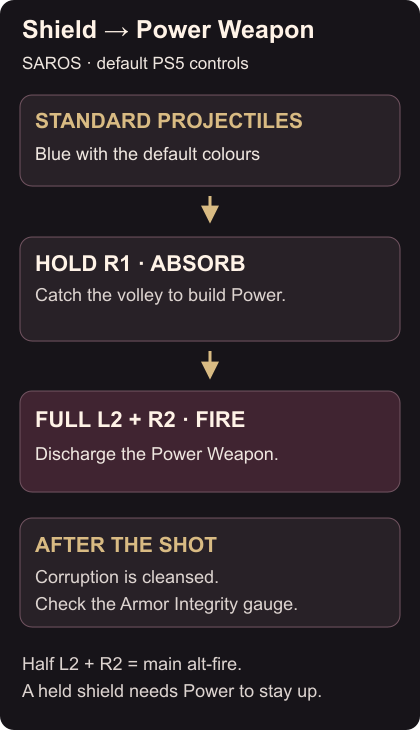
- Watch for standard projectiles, blue with the default colours. Hold R1 to raise the Soltari Shield as they reach you. Absorption builds Power, which the shield also needs to stay active. Shield and Power basics
- Release the shield after the volley. Avoid holding it while nothing is hitting it: maintaining the shield spends Power.
- Aim at a visible hostile, pull L2 fully, then press R2 to discharge the Power Weapon. Power Weapon controls
A half-pull of L2 selects your main weapon’s alt-fire instead. If you keep getting that attack, pull past the adaptive trigger’s halfway resistance. R2 without L2 fires the main weapon. Main and alternate fire
When Power or Armor Integrity runs low
If the shield will not stay up, check your Power before trying to absorb another volley. Keep moving between catches; jumping and dashing also help you avoid incoming shots. Combat advice
During an eclipse, corrupted projectiles, yellow by default, can reduce your maximum Armor Integrity. Use the Power Weapon to cleanse corruption, then check the gauge before deciding how much more pressure to take. Cleansing the reduced health ceiling does not mean you should assume your health is full. Corruption and the Power Weapon
If shots are difficult to tell apart, SAROS supports colour adjustment: follow the projectile and HUD colour setup. The Carcosan Modifier guide also explains Shield Power Enhancement and how to apply it.