
Read Expedition Losses Before Replacing Troops
On this page
After an Expedition defeat, separate permanent losses from injured troops before training replacements. This guide covers ordinary Expedition reports in Kingshot on Android and iOS.
Read the battle type and loss categories
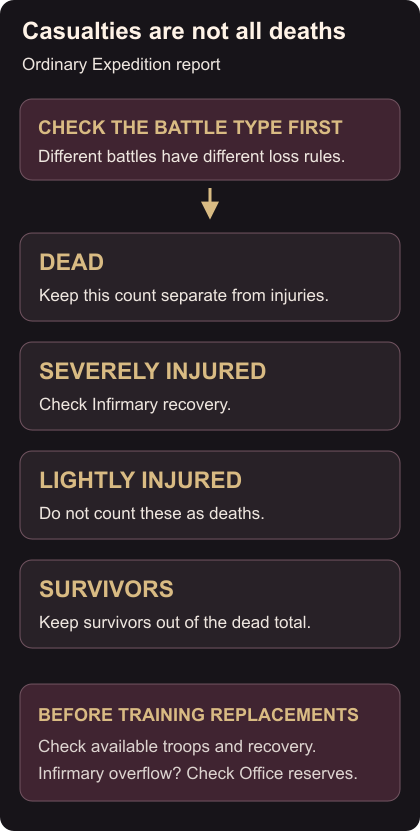
Start with the target and type of battle. Casualty rules vary between battle types, so a Town Center attack and a King’s Castle battle can produce different kinds of losses.
Read the figures for your own army separately:
- Dead: troops recorded as killed.
- Severely injured: check your Infirmary for troops awaiting recovery.
- Lightly injured: keep this figure separate from deaths.
- Survivors: troops still surviving the battle.
Defeat means one side’s troops were defeated in combat; it does not mean every soldier in that army was permanently killed. Combat outcomes
Decide what to recover and replace
Check your Infirmary before treating every troop missing from the next march as a replacement-training job. Heal the troops it holds. If your Infirmary overflowed, check the Enlistment Office for reserves too: it can recruit some severely injured overflow troops, but it does not revive troops killed outright in battle. Enlistment Office recovery
Compare your available troops and recovery queues before planning replacements. Do not use the entire casualty total as your replacement target.
When comparing reports, keep the battle type alongside the loss figures. A larger total from a different activity is not enough to tell you that your formation performed worse.
Before an alliance event, check Swordland Showdown’s entry conditions, including its Infirmary requirement. Use an Alliance Vote if your group needs to settle a plan before sending its next armies.