
Repair Equipped Gear at a Blacksmith
On this page
Repair damaged equipment through a blacksmith’s repair service in Alaloth on PC. Check which items the bill covers before paying: an unexpectedly large total may include more than the weapon you meant to fix.
Read the repair selection before paying
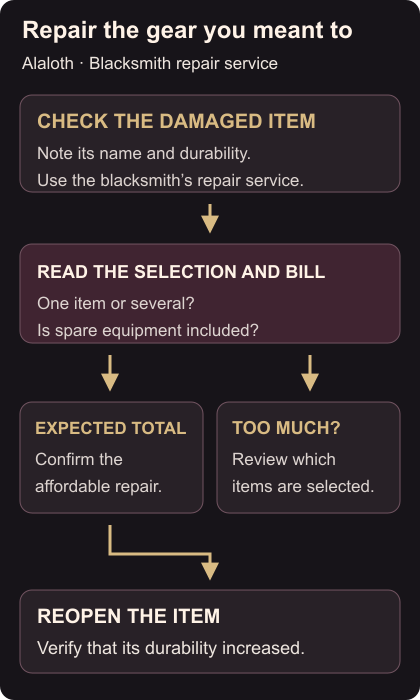
At an accessible blacksmith, inspect the name and durability of your damaged equipped item. Speak to the smith and open the repair service, then select the equipment you want repaired.
Read the total and the selected items together. If you intended to repair one weapon, check that you have not selected your whole inventory. Repairing spare gear can add to the bill. Choose a wider repair only when you want those additional items repaired too. Developer explanation of repair totals
Confirm the repair when the selection and cost are right. Reopen the item’s details and check that its durability increased. If another equipped piece is still damaged, check whether it was included before paying again.
Using a Stronghold smith
A smith you have hired at your Stronghold offers the same repair service as other smiths. Speak to that smith when you want repairs at home; owning a Stronghold alone is not the repair action. Stronghold repair service
Successful wandering fights on the world map do not reduce equipment durability. That rule applies to those completed encounters; it does not mean every activity or defeat is free from wear. Check the gear itself when deciding whether to repair. World-map durability rule
Changing the character behind that equipment is covered in Stats and Legacy respec. To mark your own point on the world map, see Atlas and custom-marker controls.