
Cycle Your Equipped Spells in AI Limit
On this page
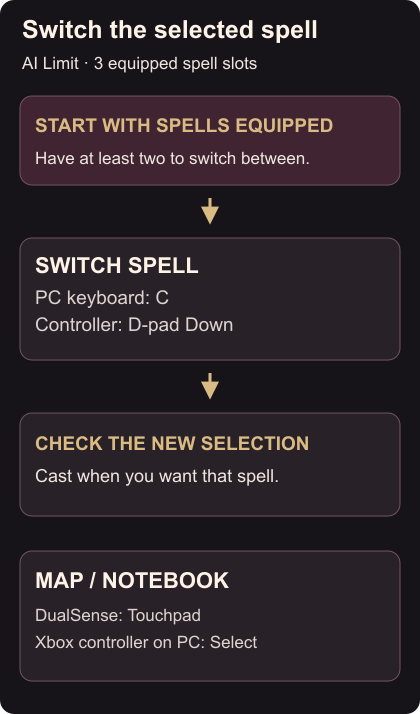
Use C on a PC keyboard or D-pad Down on a controller to switch spells in AI Limit. Arrisa has room for three equipped spells. Start with at least two spells assigned so you have something to switch between.
Use the spell-switch input
- Check which spell is selected before casting.
- Tap C or D-pad Down to select another equipped spell.
- Check the new selection, then use your cast input when you want that spell. Spell switching and casting are separate actions. Publisher control details
Try this away from an enemy first so you can recognize the selection change without rushing. The useful check is whether the selected spell changes; you do not need to spend a cast just to confirm the switch.
If the wrong screen opens
On default controller controls, Touchpad on DualSense opens the Map/Notebook. An Xbox controller connected to PC uses Select. D-pad Down switches spells.
If you changed your bindings, use the input assigned to Switch Spell. If you still have the old one-slot controls, install the available game update before changing your loadout.
For the related reading shortcut, open collectible text. To separate movement actions, bind Sprint and Dodge independently.