
Repair Worn Gear at Your Workbench
On this page
Repair worn tools and weapons by interacting with your Workbench. You only need the damaged items in your inventory and a placed Workbench; you do not need to spend Runes or ask a survivor to repair them.
Place a Workbench if you need one
If you already have its recipe unlocked, open your personal crafting menu and find Workbench under Essentials. Craft it using 3 String and 8 Wood Logs, then place it at your existing base. These materials make the bench itself. Workbench recipe
Skip that craft if a Workbench is already available. Keep the worn equipment you want repaired in your own inventory before using it.
Interact to repair your gear
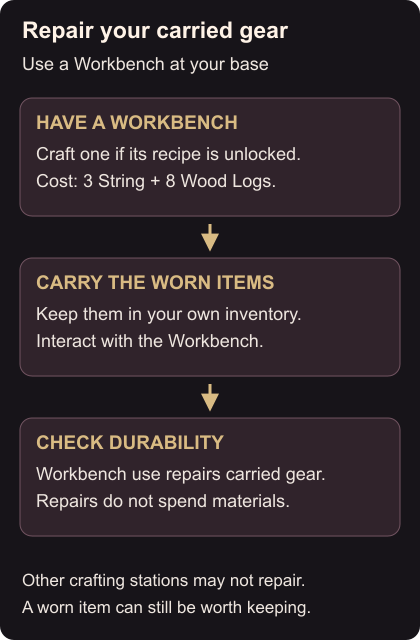
Walk up to the Workbench and use its interaction prompt. The interaction repairs your carried equipment immediately. Repairs at the Workbench cost no materials, so you can return to it whenever your gear wears down. Free repairs
Open your inventory afterward and check the items’ durability. If an item still needs attention, make sure you interacted with the Workbench and that the item is on your character rather than in a storage chest. Other crafting stations do not all provide this repair function.
Keep useful worn equipment instead of destroying it just because its durability is low. For gear you no longer want, use weapon salvage. To improve the armor you are keeping, follow warrior armor upgrades.