
Cook a Meal from Two Ingredients
On this page
Turn two ingredients into a cooked meal with a Cooking Pot. Start with a Basic Workbench, 2 Wood, 4 Copper Bars and two cooking ingredients you already have, such as Mushrooms or Heart Berries.
Make and open the pot
At the Basic Workbench, craft a Cooking Pot using 2 Wood and 4 Copper Bars. Place it on the ground and interact with it to open the cooking window. Cooking Pot recipe
Fill both ingredient slots
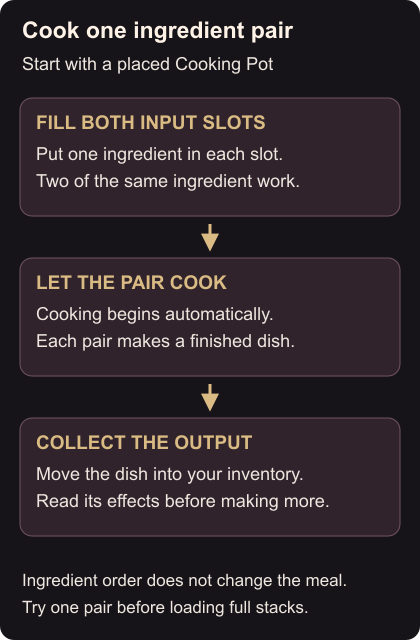
Move one ingredient into each of the two input slots. You can use two of the same ingredient. Swapping their order produces the same meal, so there is no need to try both arrangements.
Cooking starts automatically when both slots contain suitable ingredients. Each pair produces a dish in the output slot. Try a single pair first; putting in larger stacks commits more of that food to the same combination. If the pot stays idle, check that you filled both input slots rather than putting two items in one slot. Cooking steps
Collect and compare the meal
Take the finished dish into your inventory and read its effects. Cooked effects can differ from the raw ingredients, and matching non-permanent effects do not simply add together: the stronger value is used.
If you have Meadow Milk, that is also a cooking ingredient. Meadow Milk cooking
Keep a combination you like for your next trip. To replace the crops you used, follow planting and watering. Check your tools with scrap repairs before heading out.